
How to Find Your FPL Team ID
Your Team ID is the number that identifies your Fantasy Premier League team. Follow these steps to find it in under 30 seconds.
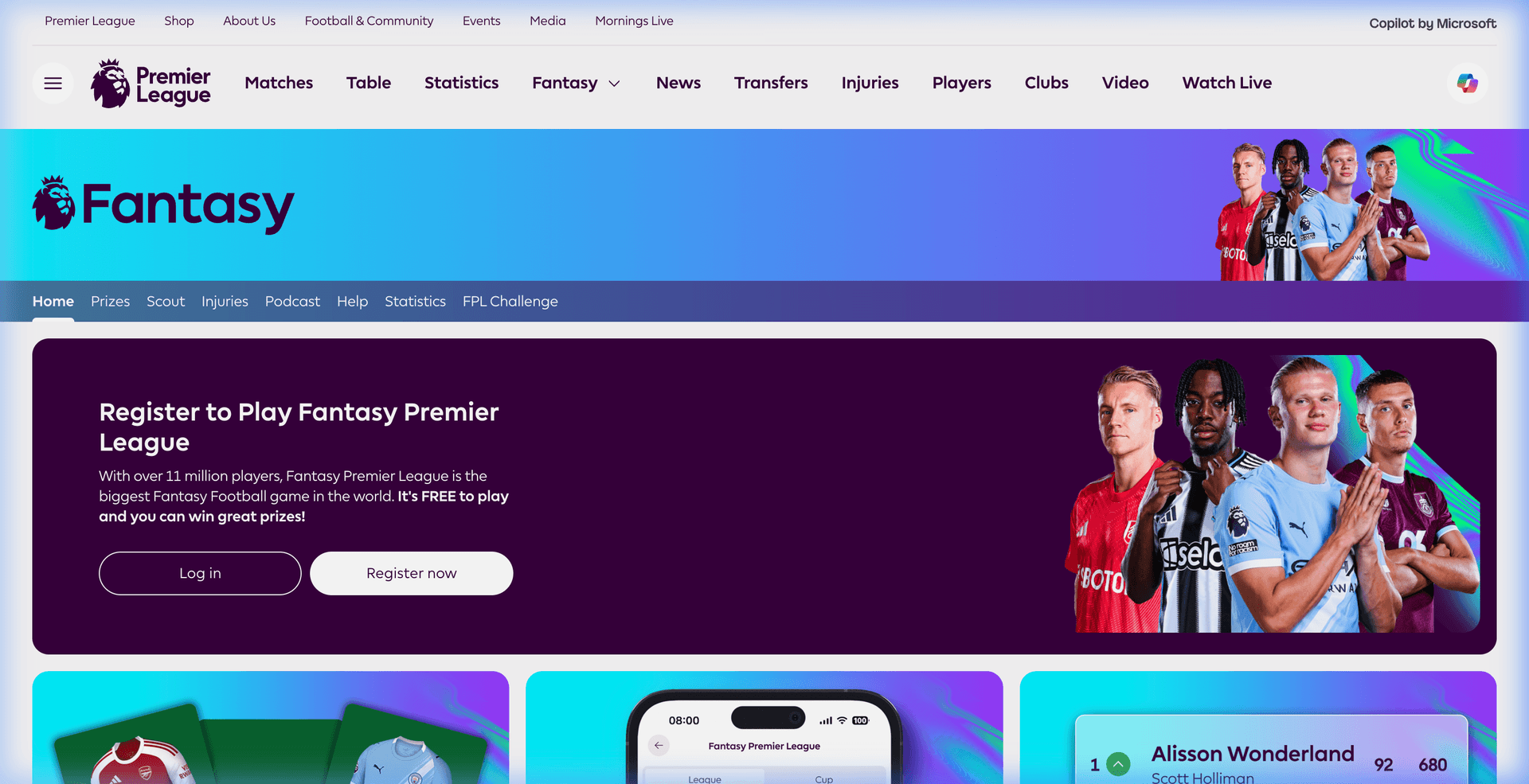
Click "Points" or "My Team"
Once logged in, click on "Points" in the top navigation. This will take you to your team's page.
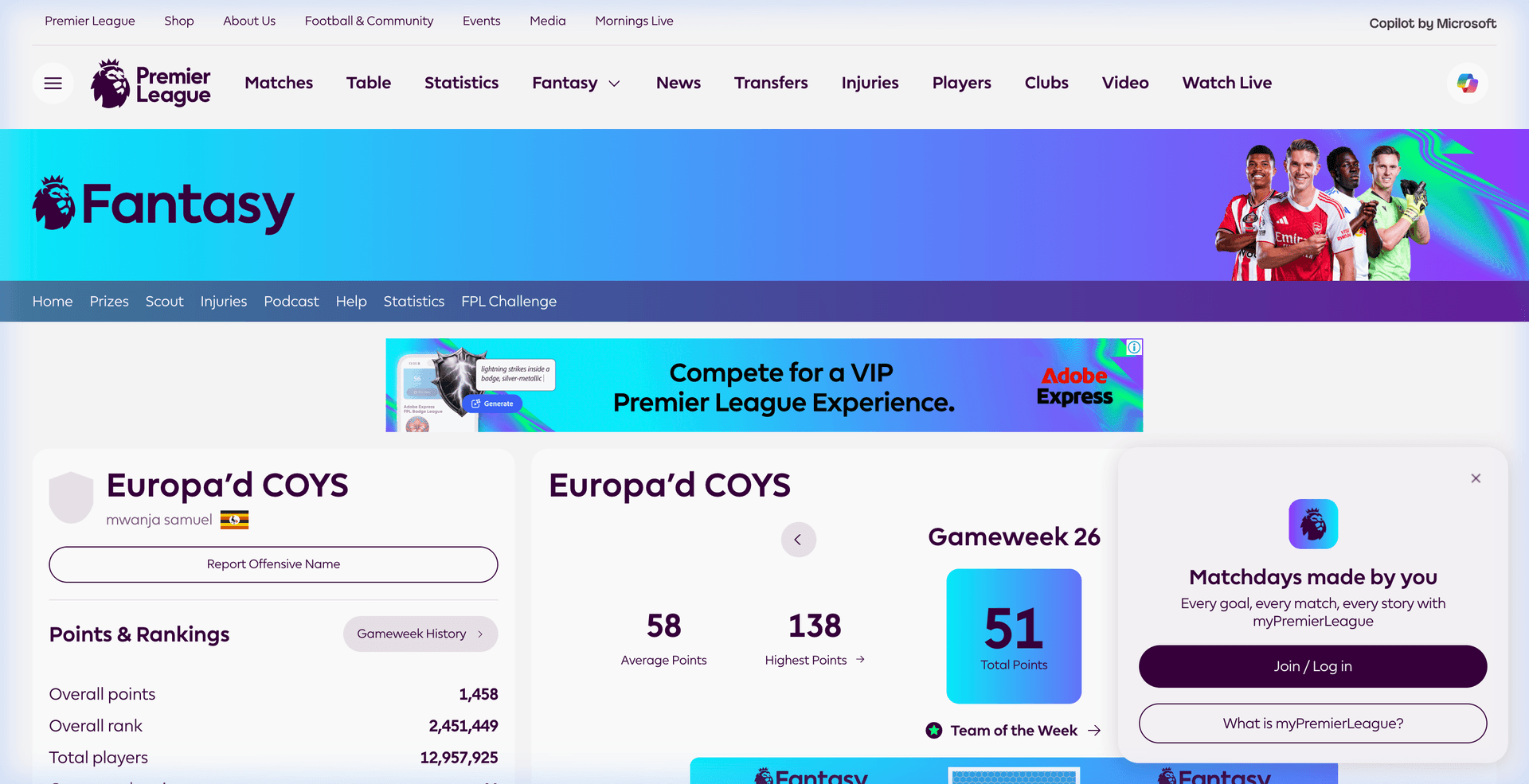
Find the Number in Your URL
Look at your browser's address bar. Your Team ID is the number between /entry/ and /event/.
Your browser address bar
Paste It Here
Copy that number and paste it into our tool on the homepage. We'll analyze your squad and give you personalized transfer recommendations in seconds.
Using the FPL App?
If you use the official FPL mobile app, here's how to find your Team ID:
- Open the FPL app and tap "Points"
- Tap the three dots (⋯) menu in the top right
- Select "Share Team"
- The shared link will contain your Team ID — it's the number in the URL
Still can't find it?
Try this quick alternative — search for your team name on Google:
The search result URL will contain your Team ID.
Frequently Asked Questions
How do I find my FPL Team ID?
Log in to fantasy.premierleague.com, click "Points" or "Pick Team", then look at your browser address bar. Your Team ID is the number between /entry/ and /event/ in the URL. For example, in fantasy.premierleague.com/entry/1234567/event/1, your Team ID is 1234567.
Where do I find my Fantasy Premier League ID?
Your Fantasy Premier League ID (also called FPL Team ID) is visible in the URL bar of your browser when you visit your team page on the official FPL website. It is the numeric sequence that appears after /entry/ in the URL. You can also find it via the FPL mobile app by tapping Points > three dots menu > Share Team — the shared link contains your ID.
How to find someone else's FPL Team ID?
To find another manager's Team ID, ask them to share their team link from the FPL app or website. Alternatively, search Google for: site:fantasy.premierleague.com "Their Team Name" — the search result URL will contain their Team ID number.
How to find FPL ID in 2026/27?
The process is the same every season. Log in at fantasy.premierleague.com, navigate to any team page (Points, Pick Team, or Transfers), and your Team ID is the number in the URL after /entry/. This works for the 2025/26 season and all future seasons — FPL Team IDs never change between seasons.