
How to Find Your FPL Team ID
Your Team ID is the number that identifies your Fantasy Premier League team. Follow these steps to find it in under 30 seconds.
1
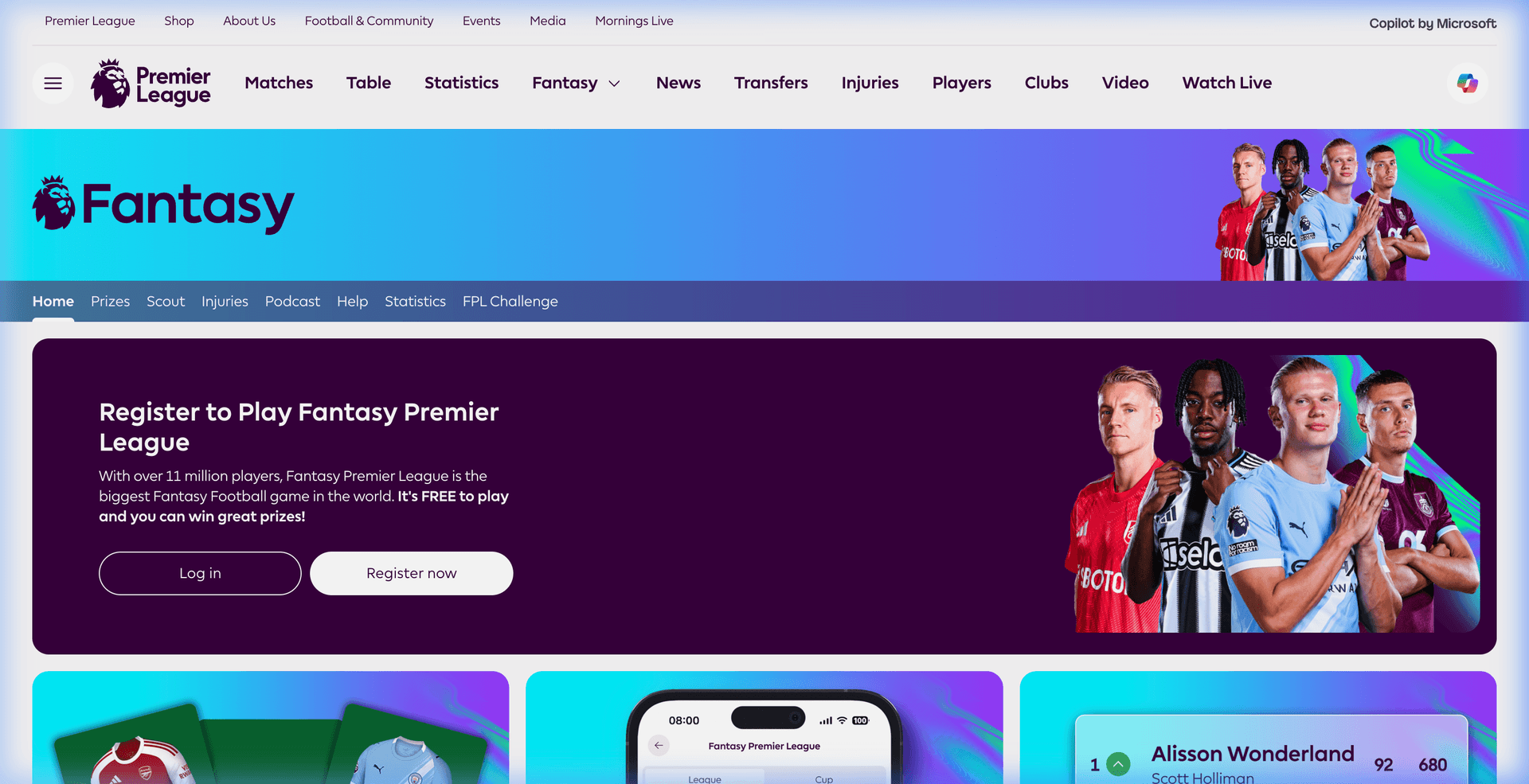
2
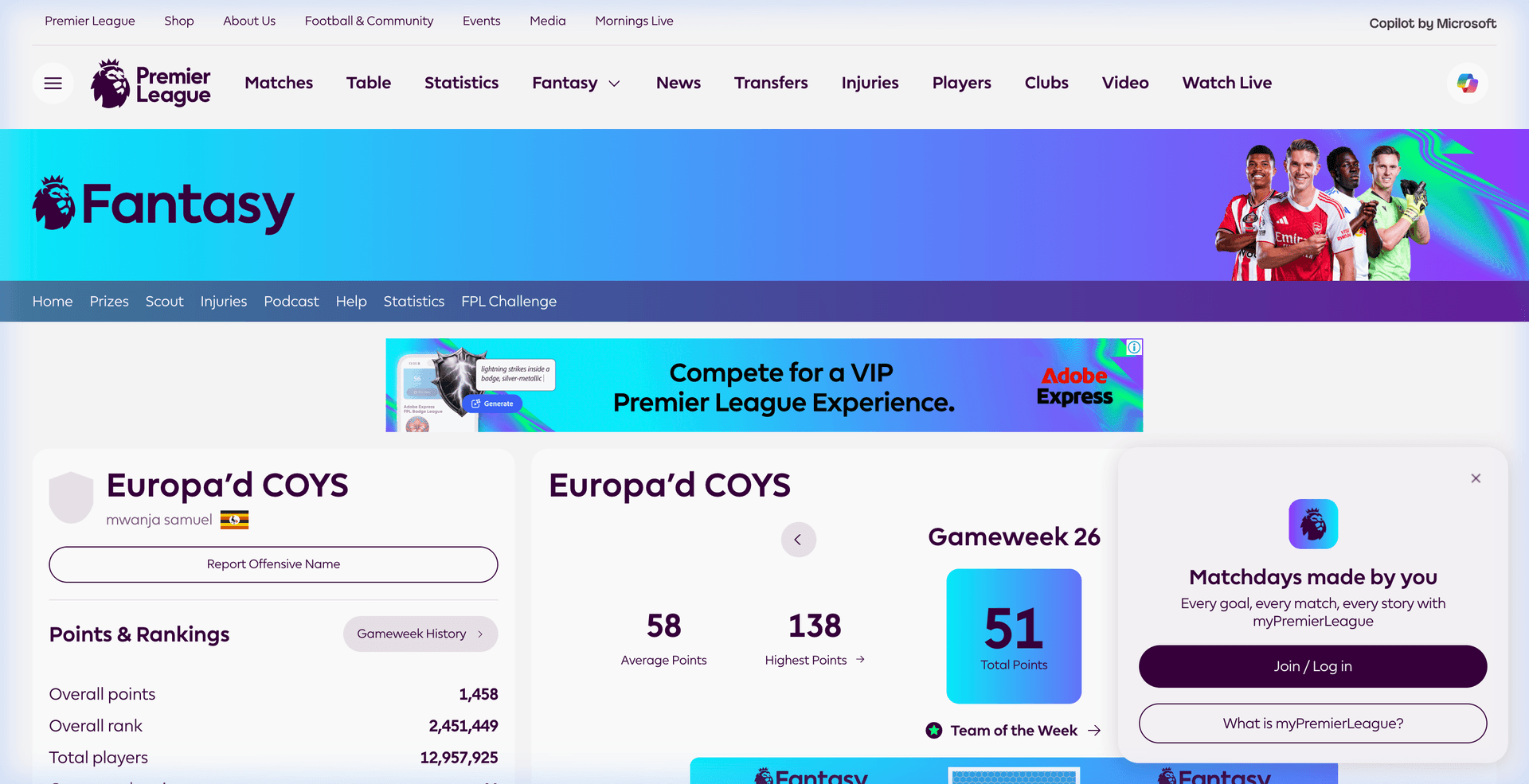
Click "Points" or "My Team"
Once logged in, click on "Points" in the top navigation. This will take you to your team's page.
3
Find the Number in Your URL
Look at your browser's address bar. Your Team ID is the number between /entry/ and /event/.
Your browser address bar
fantasy.premierleague.com/entry/7215879/event/26
In this example, the Team ID is 7215879
4
Paste It Here
Copy that number and paste it into our tool on the homepage. We'll analyze your squad and give you personalized transfer recommendations in seconds.
Using the FPL App?
If you use the official FPL mobile app, here's how to find your Team ID:
- Open the FPL app and tap "Points"
- Tap the three dots (⋯) menu in the top right
- Select "Share Team"
- The shared link will contain your Team ID — it's the number in the URL
Still can't find it?
Try this quick alternative — search for your team name on Google:
site:fantasy.premierleague.com "Your Team Name"
The search result URL will contain your Team ID.